Yes, a Snapchat+ trial can give you access to Friend Solar System, but availability depends on the features included with your current Snapchat+ offer. If you start a trial and cannot see the planets, the feature may simply need to be enabled in Snapchat+ settings.
Friend Solar System is the Snapchat+ feature that shows your position in a friend’s Best Friends list as a planet. It is separate from the phone you use, and seeing a planet does not reveal your friend’s complete Best Friends list.
Does a Snapchat+ Free Trial Include Planets?
If Friend Solar System is included with the Snapchat+ subscription or trial available to your account, you can use it during the active trial. Snapchat has also stated that Solar System is turned off by default for first-time subscribers, so a missing planet does not automatically mean the trial excludes the feature.
The safest way to confirm what your trial includes is to open Snapchat+ and review the features available to your account. Snapchat can change subscription features, offers, and availability, so an old article or another user’s trial should not be treated as a guarantee for every account.
What Is Snapchat Friend Solar System?
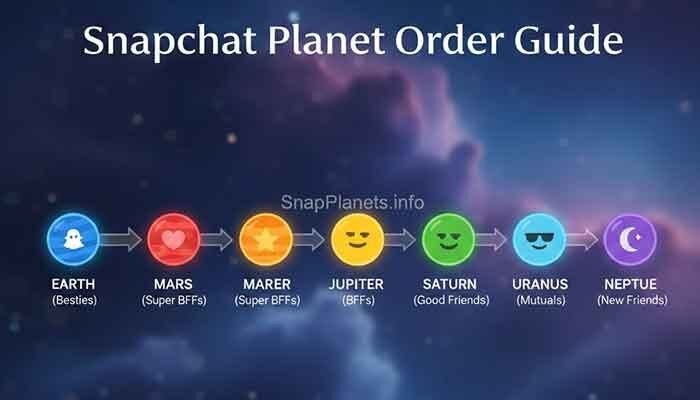
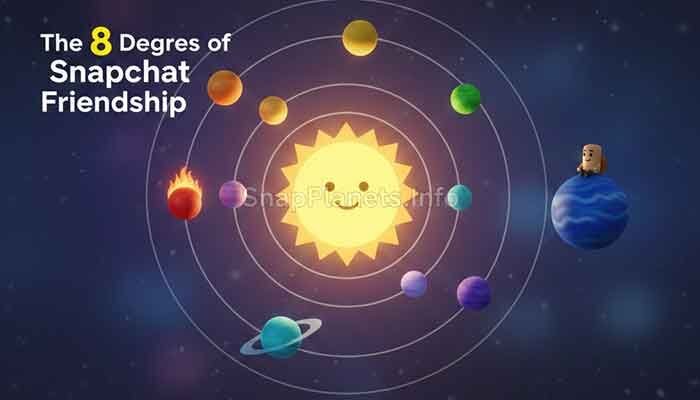
Friend Solar System is a Snapchat+ feature that represents your position in another person’s Best Friends list. Snapchat’s system uses eight planets for the eight positions, with Mercury representing the closest position and Neptune representing the eighth.
- Mercury: 1st position
- Venus: 2nd position
- Earth: 3rd position
- Mars: 4th position
- Jupiter: 5th position
- Saturn: 6th position
- Uranus: 7th position
- Neptune: 8th position
This ranking is about the Snapchat friendship relationship represented by Best Friends. It is not a ranking based on whether you have an Android phone or an iPhone.
How to Check Snapchat Planets During Your Trial
If your trial is active and Friend Solar System is available to your account, use these steps:
- Open Snapchat and tap your profile or Bitmoji.
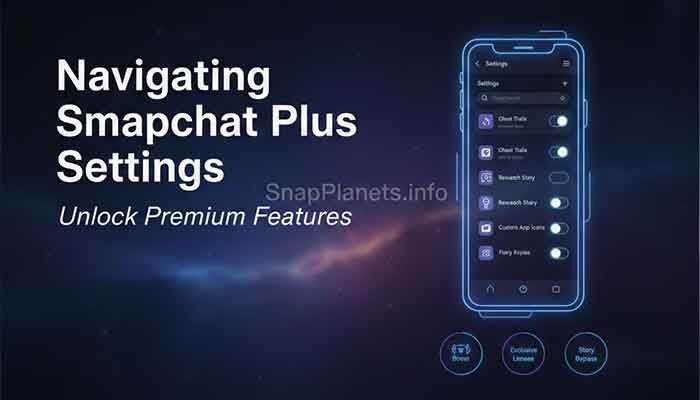
- Open the Snapchat+ section.
- Check the available feature settings and make sure Friend Solar System is enabled if the option appears.
- Open a friend’s Friendship Profile.
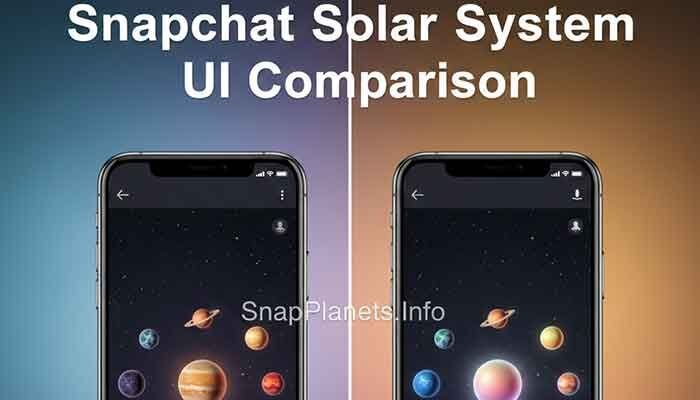
- Look for the Best Friends badge and tap it to view your Solar System position.
The exact labels or placement of settings can change as Snapchat updates its app. If you do not see the option, update Snapchat and check the Snapchat+ feature-management area again.
Why Are My Snapchat Planets Not Showing?
Starting a Snapchat+ trial does not mean every screen will immediately display a planet. If Friend Solar System is missing, work through these checks:
- Check the feature setting: Solar System can be disabled, including for first-time Snapchat+ subscribers.
- Check your subscription: Make sure the trial is active on the Snapchat account you are currently using.
- Check the friend’s profile: The Solar System is viewed through a Friendship Profile and relates to your position in that friend’s Best Friends list.
- Update Snapchat: An outdated app can cause features or interface elements to behave differently.
- Restart the app: If a feature should be available but has not loaded correctly, closing and reopening Snapchat can help rule out a temporary app issue.
Does the Free Trial Give You Every Snapchat+ Feature?
It is better not to assume that every Snapchat+ feature will be identical for every trial. Snapchat+ includes a collection of premium, experimental, and pre-release features, and availability can change over time or vary by account, region, or feature.
For that reason, check the Snapchat+ feature list shown inside your own account rather than relying on a fixed list from an older guide. Friend Solar System is the feature relevant to planets, so look specifically for that option.
Free Trial vs. Paid Snapchat+ Subscription
| What to Check | Free Trial | Paid Snapchat+ |
|---|---|---|
| Snapchat+ access | Available while the trial is active and offered to your account | Available while the subscription is active |
| Friend Solar System | Available when included and enabled | Available when included and enabled |
| Planet meaning | Same Best Friends position | Same Best Friends position |
| Feature availability | Can depend on the current offer and account | Can change as Snapchat updates Snapchat+ |
| Billing | May convert to a paid subscription if the trial terms require it and you do not cancel | Renews according to the selected subscription terms |
Will Your Planet Change When the Trial Ends?
Your planet is a representation of your position in a friend’s Best Friends list. The end of a Snapchat+ trial should not be treated as a method for changing that friendship position. What changes is your access to Snapchat+ features if the subscription ends.
If you cancel and the subscription expires, premium features may no longer be available. The exact behavior can depend on the current Snapchat+ subscription terms and the feature involved.
Can You See Who Someone Else Is Snapping?
No. Friend Solar System does not give you access to another person’s complete Best Friends list or private conversations. It shows your position in relation to that friend when the feature is available.
What Happens When a Snapchat+ Trial Ends?
The important detail is the subscription terms shown when you start the trial. Some promotional trials may require a payment method and may transition into a paid subscription unless cancelled according to the applicable terms.
Do not rely on a universal rule such as “cancel exactly 24 hours before the trial ends.” Instead, check the cancellation instructions and renewal date displayed by Snapchat, the App Store, or Google Play for your specific subscription. This avoids missing a change in the current trial terms.
Can You Get Another Snapchat+ Free Trial?
There is no reliable universal rule that every Snapchat account receives another free trial after using one. Eligibility can depend on the offer presented to the account, subscription history, region, and current promotional terms.
Frequently Asked Questions
Do Snapchat+ free trial users get planets?
They can, when Friend Solar System is included with the current Snapchat+ trial and enabled. Check Snapchat+ settings on your account if the planets are not visible.
Is Friend Solar System free during a Snapchat+ trial?
If the feature is included in your active Snapchat+ trial, you can use it without paying a separate fee during the trial period. The trial’s own terms still apply.
Why can’t I see planets after starting Snapchat+?
Check whether Friend Solar System is enabled, confirm that your trial is active, update Snapchat, and open the Friendship Profile of the relevant friend. Feature availability can also change with Snapchat updates.
Do I need Snapchat+ to see Friend Solar System?
Friend Solar System is a Snapchat+ feature. Without access to Snapchat+, you should not expect the premium Solar System feature to be available.
Does the planet tell me who my friend talks to most?
It shows your position in that friend’s Best Friends list; it does not show the identities or rankings of all the other people in that list.
Bottom Line
Snapchat+ trial users may get access to Friend Solar System and its planets when the feature is included and enabled for their account. If you cannot see a planet, first check the Snapchat+ settings and your active subscription rather than assuming the trial does not support it.
The key point is simple: your planet represents your position in a friend’s Best Friends list, not a special score created by the free trial. Because Snapchat can change features and promotional terms, always use the options and subscription details shown in your own Snapchat account as the final reference.
Pingback: Neptune on Snapchat: What the 8th Friend Planet Means | Neptune Meaning & 8th Friend Explained
Pingback: Snapchat Plus FAQ: Features, Planets, Plans & Common Questions (2026) | Features, Plans & Common Questions
Pingback: How to Cancel Snapchat Plus: iPhone, Android & Free Trial Guide | iPhone, Android & Free Trial Guide