If Snapchat Planets are missing from a friend’s profile, there is no legitimate bypass that reveals a ranking someone has chosen not to show. You can check your Snapchat+ access, confirm whether Friend Solar System is enabled, and troubleshoot the app—but you cannot force another person’s private settings to change.
This guide explains how the feature works, what the badges mean, and which steps are worth trying when a planet does not appear. Avoid third-party apps or websites claiming they can unlock hidden rankings; they may put your account or personal information at risk.
The “Solar System” Mystery: Why Can’t I See the Planets?
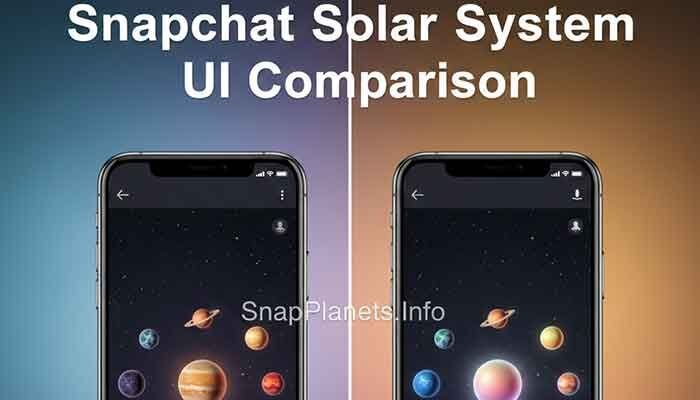
Friend Solar System is a Snapchat+ feature that represents your position in another person’s Best Friends ranking with a planet. A planet may be absent because the feature is unavailable, not enabled, or the ranking does not place you in the relevant list. App versions and menu labels can also differ.
A missing badge does not prove that someone blocked you or deliberately hid you from a particular rank. Check the feature settings and app status before drawing conclusions. For a clearer explanation of the ranking, see Snapchat Best Friends vs. Planets.
My Personal Experience with Seeing Hidden Snapchat Planets
When a planet badge is missing, it is easy to assume that a ranking has changed or that a friend has taken an action against you. However, the badge alone does not identify the cause. A settings difference, feature availability, or temporary app problem can all affect what appears on screen.
The most reliable approach is to check your own Snapchat+ settings, update the app, and reopen the profile. If the feature still does not appear, use Snapchat’s official support options. Do not try to obtain another person’s private information through workarounds or pressure them to change a setting.
Related help: read our guide to fixing Snapchat Planets that are not showing.
How to See Hidden Snapchat Planets: The Real “Bypass”
There is no supported bypass for a hidden Friend Solar System ranking. Instead, use these checks to understand why the feature may not be visible to you.
1. The Subscription Requirement
Friend Solar System is a Snapchat+ feature. Check that your subscription is active and open the Snapchat+ settings area to find the feature. The exact location of controls may vary with the app version and device.
2. The “Mutual” Rule
Before expecting a planet badge, check these basics:
- Your Snapchat+ subscription is active.
- Friend Solar System is enabled where the feature is available.
- The ranking places you in the relevant Best Friends list.
- The app is updated and working normally.
These checks do not guarantee that a badge will appear, and Snapchat does not publish an exact score formula or a guaranteed schedule for rank changes. A Snapstreak by itself does not guarantee a planet position.
3. The “Badge” Trick
If a Friends or Best Friends badge appears on a profile, tap it only as intended by the app to view the information made available to your account. Badge labels provide context within Friend Solar System; they are not a way to override privacy settings or expose a hidden ranking. The exact interface may change between versions.
Understanding the Planet Ranks
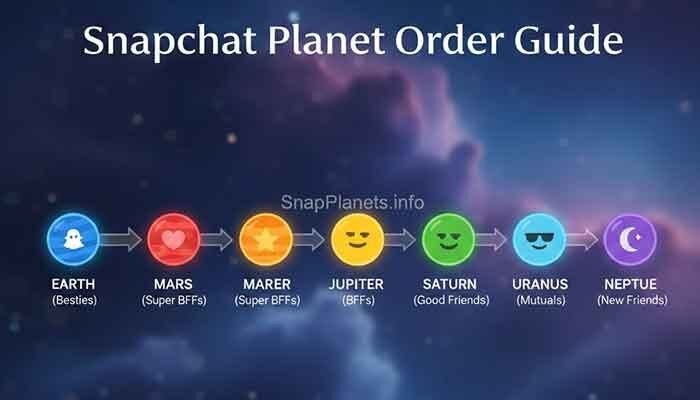
The planet sequence follows the solar-system order: Mercury is first, Venus second, Earth third, Mars fourth, Jupiter fifth, Saturn sixth, Uranus seventh, and Neptune eighth. These positions represent relative ranking, not a public numerical score or a measure of real-life friendship. See our Neptune on Snapchat guide for the eighth position.
Advanced Snapchat Plus Tricks for Viewing Private Ranks
You cannot use a trick to override another user’s settings. If the feature is missing or not loading, try the safe troubleshooting steps below rather than using unofficial tools or asking for someone else’s login details.
Use the “Solar System Toggle” Refresh
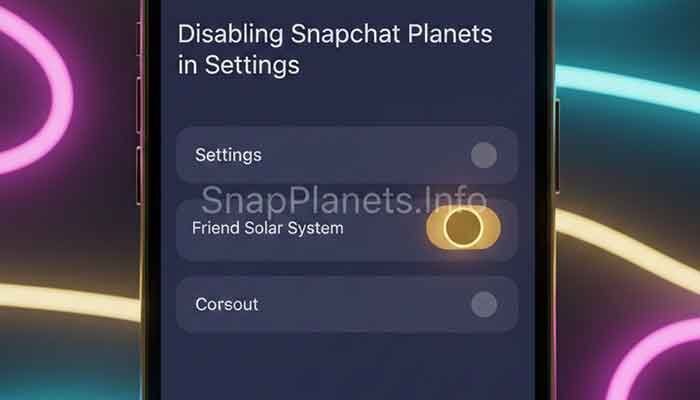
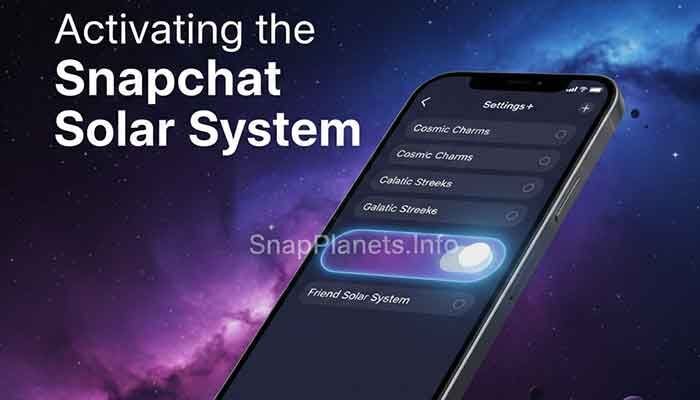
If Friend Solar System is available in your Snapchat+ settings, check whether it is enabled. If you change the setting, follow the on-screen instructions and reopen the app. Toggling it is not a guaranteed refresh method and cannot make another person’s private ranking visible.
- Open your Snapchat profile.
- Go to Snapchat+ settings or membership features.
- Find Friend Solar System, if it is listed.
- Check its current setting and change it only if you want to enable or disable the feature.
- Close and reopen Snapchat, then check the profile again.
If the option is missing, update Snapchat and consult in-app support rather than repeatedly changing settings.
Check the “Best Friends” List vs. the “Solar System”
Your Best Friends list and the Friend Solar System display are related, but they are not a tool for uncovering a secret rank. The planets indicate relative positions when the feature is available; they do not provide an exact interaction count. Avoid inferring that a missing badge means someone is hiding something from you.
For additional feature information, visit our Snapchat+ FAQ.
FAQ: Your Burning Snapchat Solar System Questions
1. Can I see someone’s solar system if I don’t have Snapchat+?
Friend Solar System is a Snapchat+ feature. Without access to the feature, you should not expect to see its planet ranking. Avoid third-party apps that promise free access to hidden planets; do not give them your password or verification codes.
2. Why can I see the ‘Best Friends’ badge but not the planet?
The badge and planet display may depend on feature availability, settings, and the ranking shown by Snapchat. Check your subscription and Friend Solar System settings, update the app, and reopen the profile. You cannot override another person’s privacy choice.
3. Does the other person know if I check their planet rank?
Snapchat does not document a dedicated notification for simply checking a Friend Solar System badge. That does not establish the notification rules for other activities, such as Story views or screenshots, which can work differently.
4. How often do the planet ranks update?
Snapchat does not publish a fixed refresh interval or an exact ranking formula. Positions can change as the Best Friends ranking changes, but no specific time—such as a few minutes or 24 hours—is guaranteed.
Martin’s Final Tip
If Snapchat Planets are hidden, check your subscription, feature settings, and app version. If the ranking remains unavailable, respect the limits of the feature and use official support. There is no legitimate bypass that guarantees access to someone else’s private ranking.
Remember that a planet is an app indicator, not a measure of a friendship’s real-life value. If the feature is causing worry, focus on direct communication rather than trying to decode every ranking change.